
What are Ready Plan Configurations (RPCs)?
Ready Plan Configurations (RPCs) are specific sets of plans and options for a Development that are used by the Underwriting App to determine whether Homebound should acquire a property. Ready Plan Configurations are intended to assist in creating a benchmark for what will be spent during the lifecycle of a project and what Homebound can profit from the sale of a home based on predetermined specifications and costs.
__
6 Steps to Create a New Ready Plan Configuration
✐ Note: Users cannot create a RPC if ReadyPlans are not available in the development and if Spec Levels are undefined.
Step 1: Select “Create Configuration”
Step 2: Complete Plan Tab
Select a ReadyPlan, Spec Level, Elevation and Scheme, and a Design Package
Step 3: Select Intended Floor Plan Options (Optional)
Options are populated by the ReadyPlan Configurations that are selected on the Plan Tab.
✐ Note: Inactive/Archived Global Options will still display on the list of available options with the checkbox selection disabled
Step 4: Add Lot Requirements
Step 5: Add Program Data and Make Active
All Program Data is required to “Save as Active”.
Ready Plan Configurations can be saved as Draft while RPC data is being completed. RPCs will remain in Draft until they are complete and Saved as Active.
✐ Note: If user decides against creating the Ready Plan Configuration, they can select "Cancel" and be navigated back to the Underwriting Setup Page without progress being saved
Step 6: View Active RPCs
__
Editing Ready Plan Configurations
1. Open Intended Ready Plan Configuration and Select "Edit"
2. Edit Lot Requirements and Program Data
✐ Note: Ready Plan, Ready Plan Options, and Spec Levels cannot be edited.
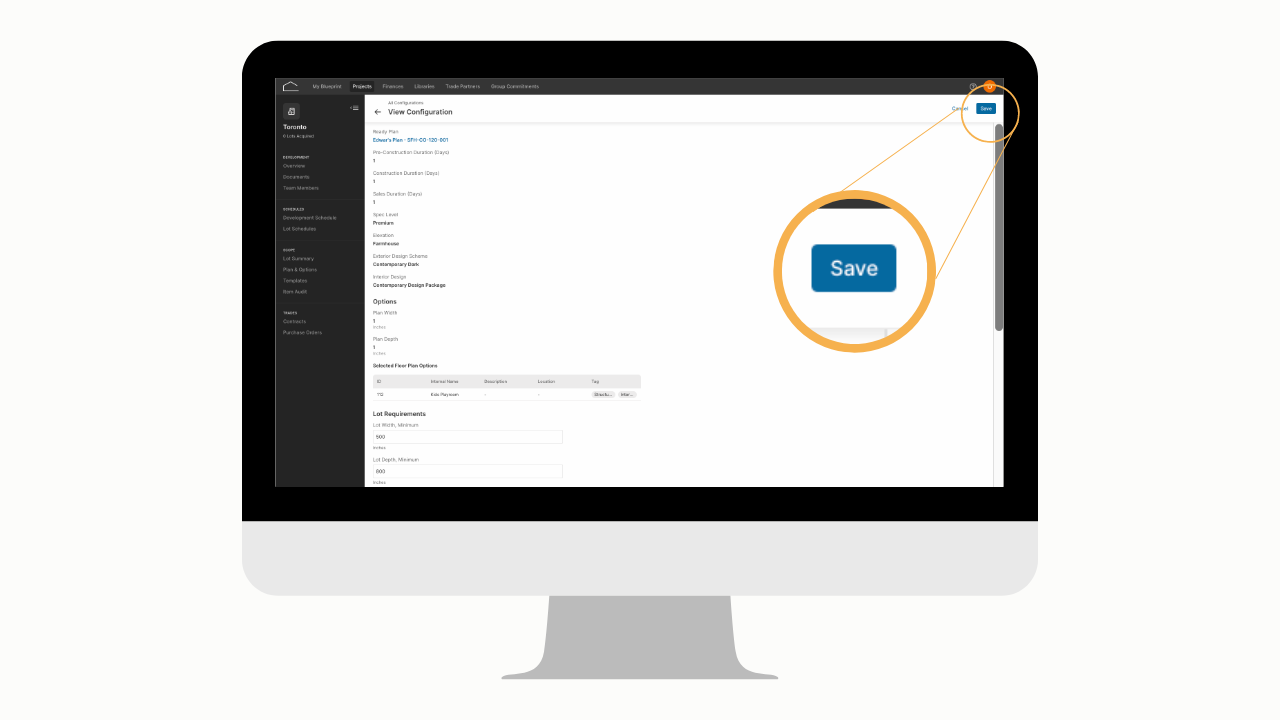
3. Select "Save"
 __
__
Ready Plan Configuration Statuses
Draft
Ready Plan Configurations can be saved as a Draft at any point during the creation process. Draft status allows you to edit Ready Plan Configurations before they are visible to Underwriting.
Active
The status of Active becomes available when all the Ready Plan Configuration is filled out in its entirety.
Archived
The status of Archived will result in an RPC being invisible to Underwriting. Archived RPCs can be moved back to active as long as the associated Ready Plan and Options are still active.
✐ Note: If a global option is Archived, all RPCs that contain the Archived option will be moved to the archived status.
__
Key terms
✐ Note: You can always look up unfamiliar terms in our Comprehensive Glossary of Key Terms.
__
Questions? Feedback? Email us at Product-Support@Homebound.com or chat with us in Blueprint!
Comments
0 comments
Please sign in to leave a comment.